Documentation Index

Fetch the complete documentation index at: https://docs.janus.cards/llms.txt

Use this file to discover all available pages before exploring further.

Welcome to Janus! This guide goes through everything you need to know to create your first deck in minutes.

Step by Step Guide

1

Upload

Select the material you want to make flashcards for, including:
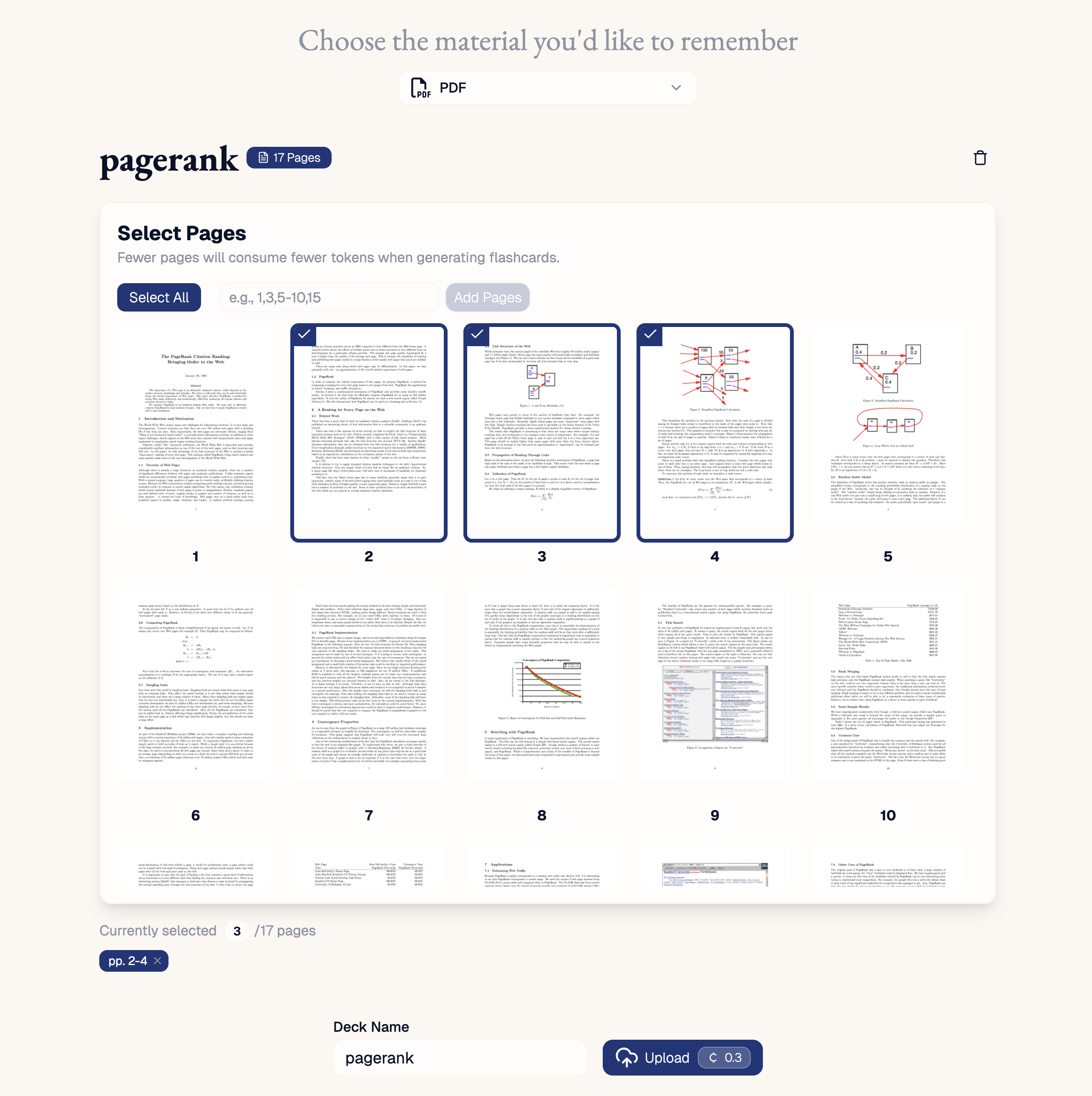
  • PDFs of your lecture notes, textbooks or research papers.
  • Text from your digital note taking app.
  • YouTube links of online lectures or tutorials.
  • URLs of online essays, blogs and articles.
  • Audio of recorded lectures.
  • Readwise highlights of books or podcasts.

2

Generate

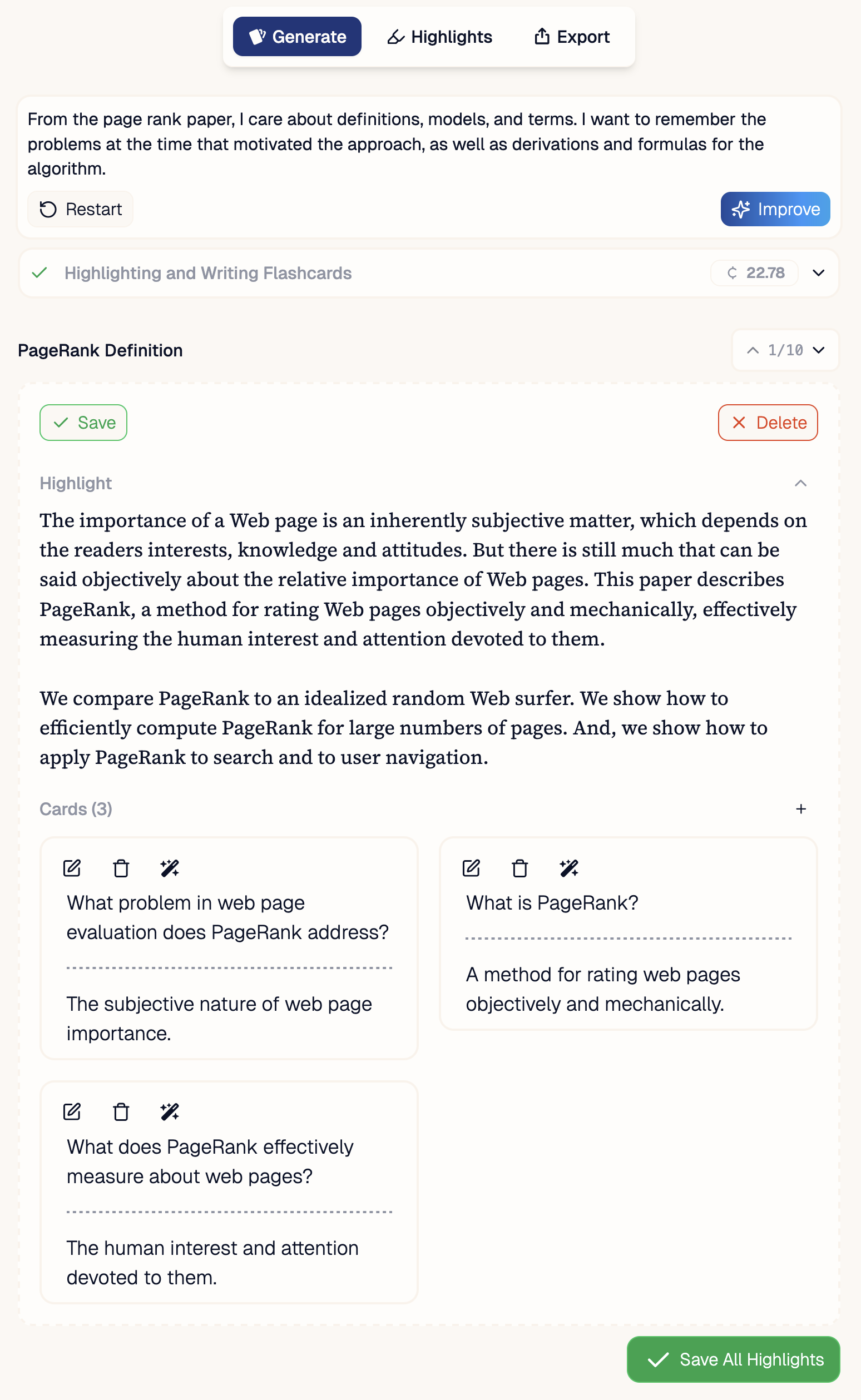
Add a prompt for what you want highlighted and flashcards on. Then watch as Janus digests your material to create a deck. Save the cards you like and delete the ones you don’t.
3

Review Decks in your Inbox

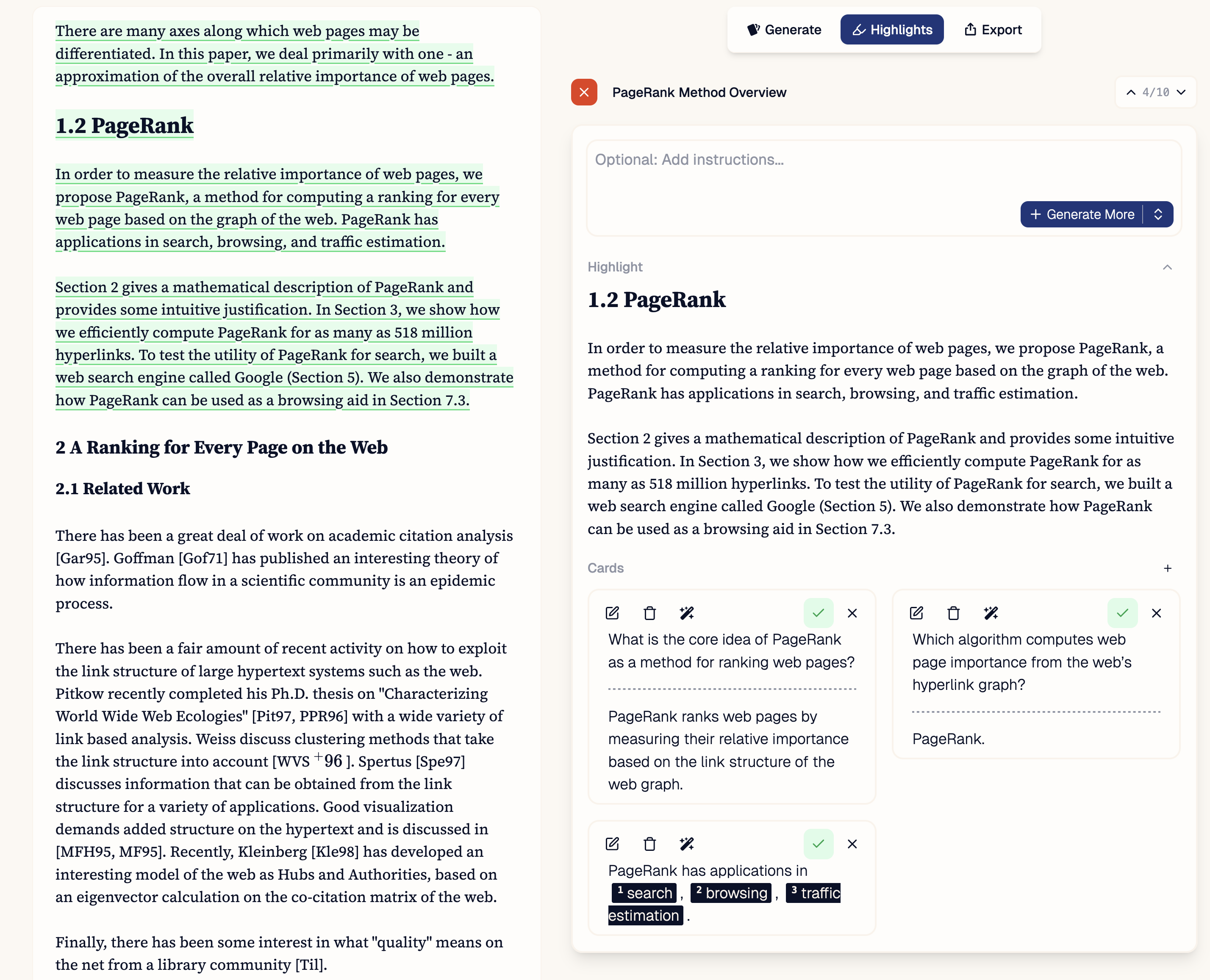
Review all your flashcards. Request additional cards for missing content or refine what you already have.
4

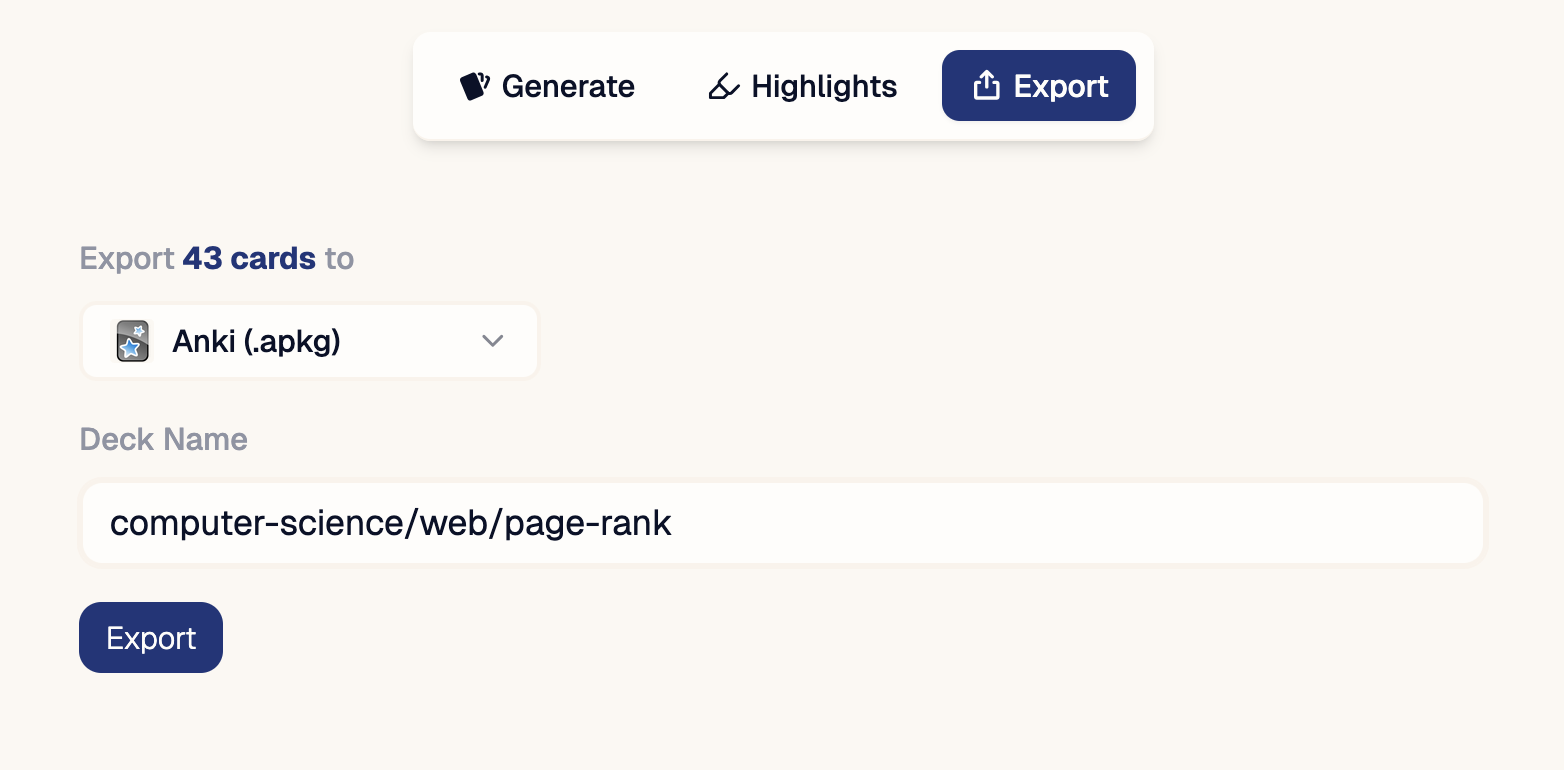
Export

Export to your favorite spaced repetition app.