> ## Documentation Index
> Fetch the complete documentation index at: https://docs.janus.cards/llms.txt
> Use this file to discover all available pages before exploring further.
# Readwise
## Overview
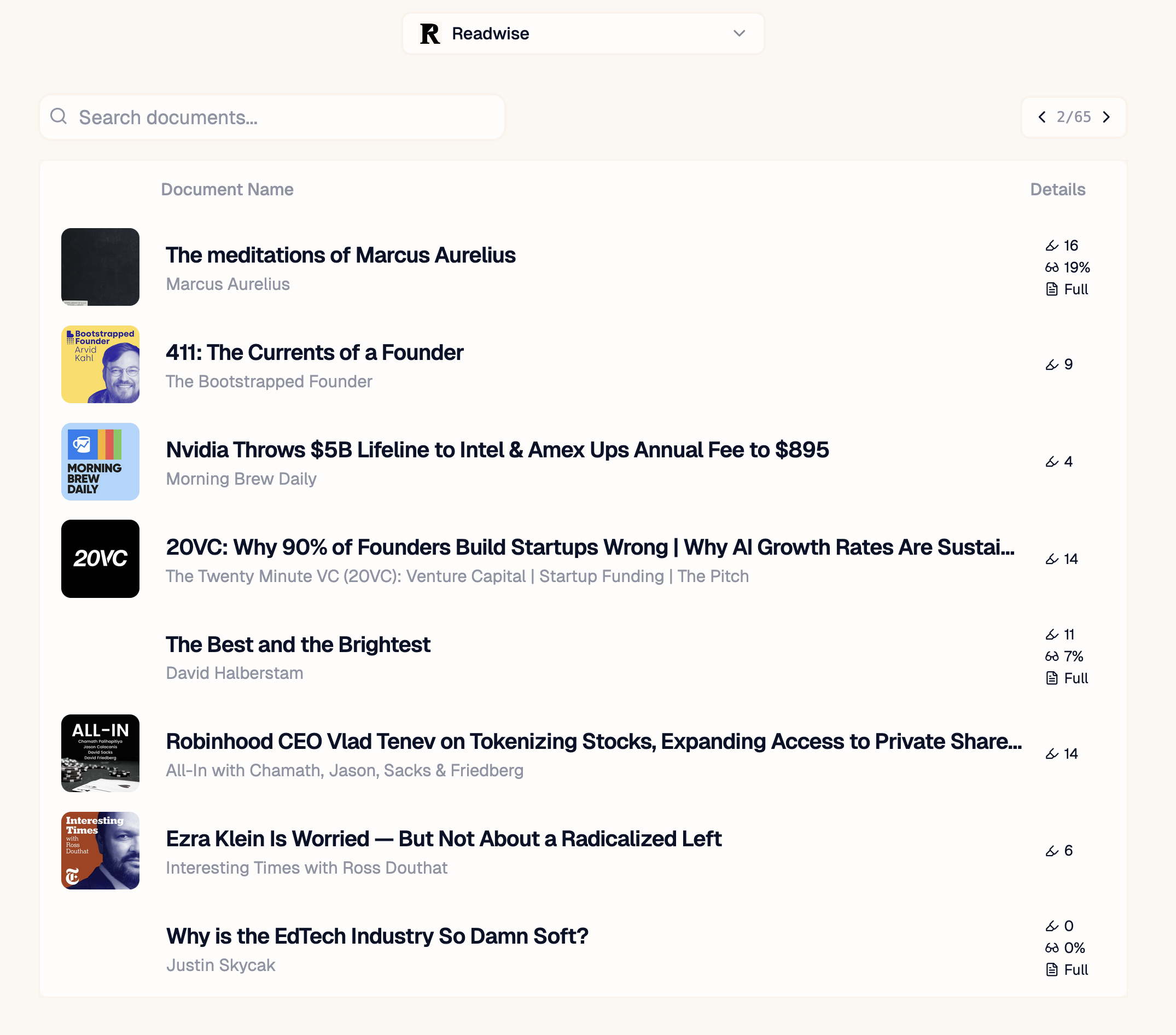
The [Readwise](https://readwise.io/) integration is one of Janus' most compelling features. Readwise is a 3rd party service that aggregates your **highlights** across multiple documents and resources. Other tools, such as [Snipd](https://www.snipd.com/), sync to this library allowing you to leverage this workflow across a broader set of media, such as podcasts and books.
 ## Setting Up
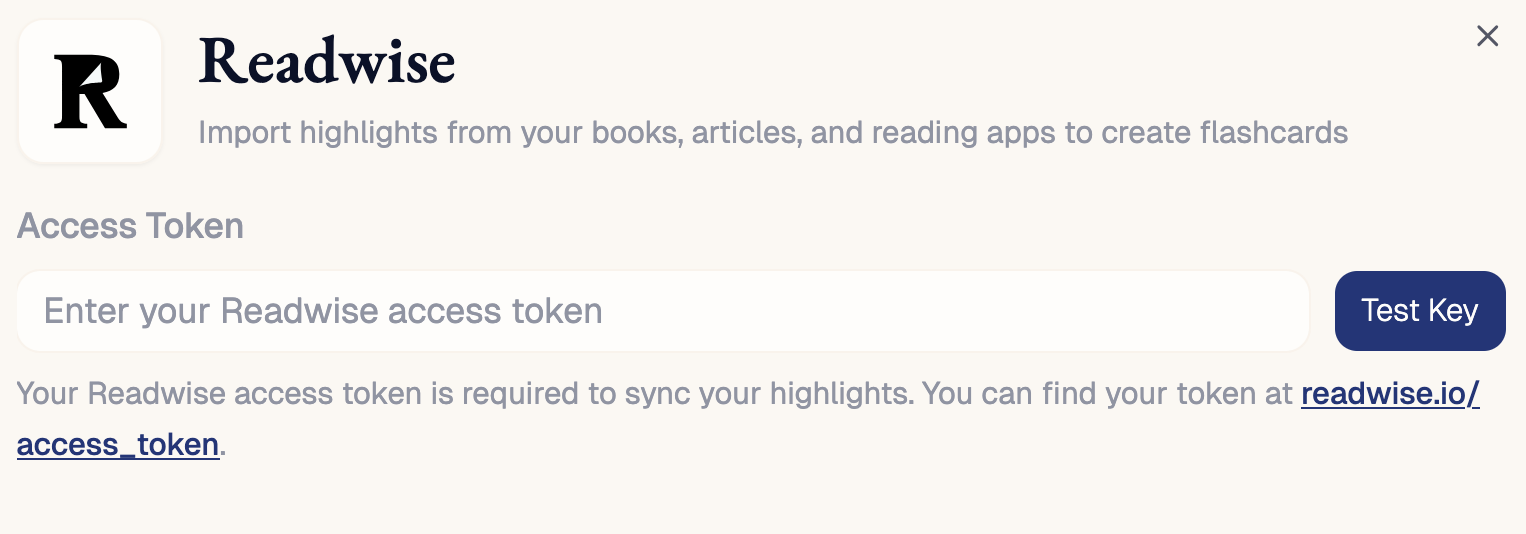
In order to sync your Readwise library to Janus, you must copy your "access token" from your readwise account to your settings. You can your token [here](https://readwise.io/access_token). We only read content from your library and never modify it.
## Setting Up
In order to sync your Readwise library to Janus, you must copy your "access token" from your readwise account to your settings. You can your token [here](https://readwise.io/access_token). We only read content from your library and never modify it.
 It may take a few minutes for your entire library to sync initially, but your most recent documents and highlights should be immediately available.
## Selecting What To Upload
You can only select one document at a time to upload by clicking the row in the Readwise document table.
### Search
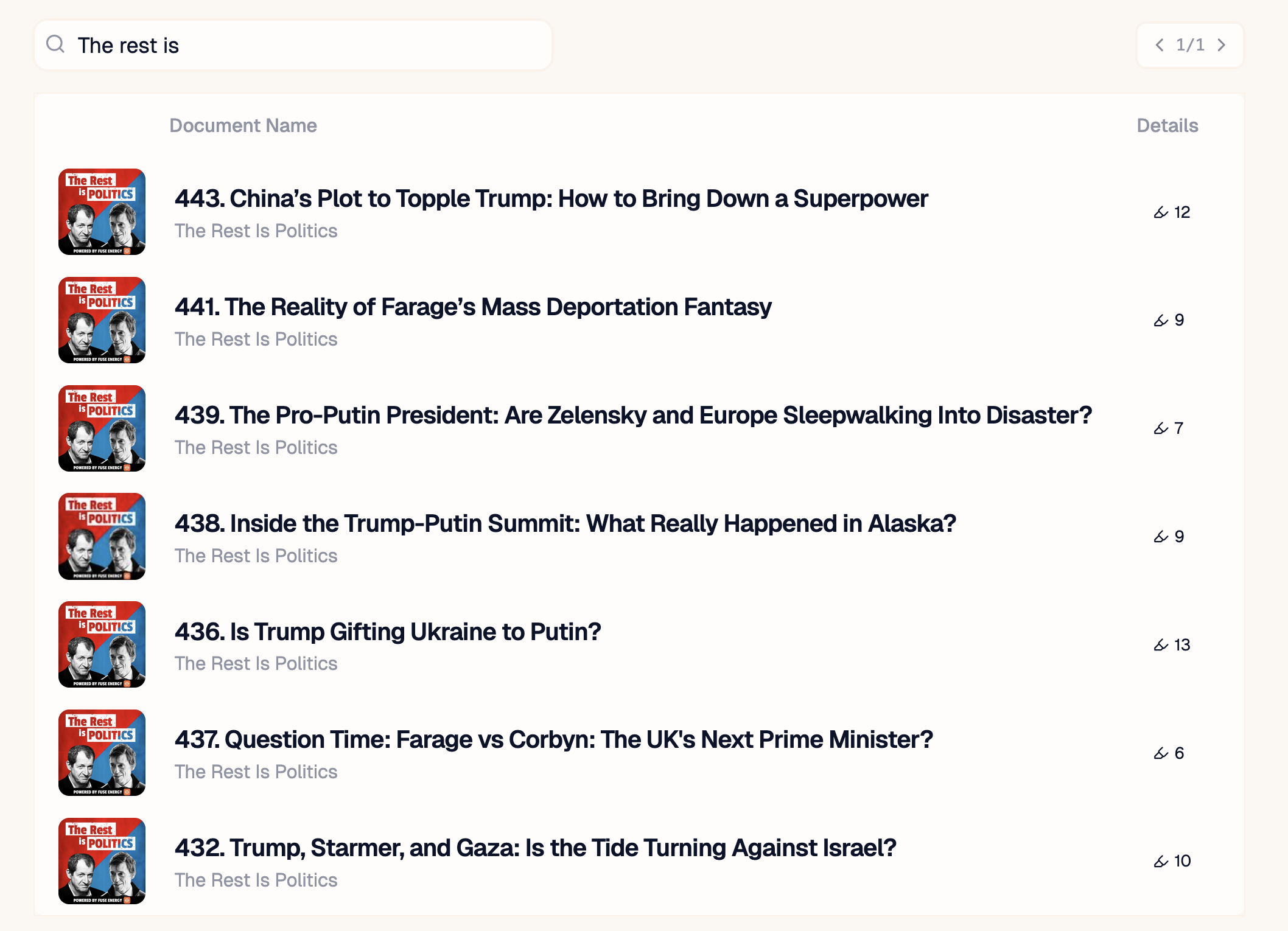
Search queries scan across both the title and authors of your documents. Matches do not have to be precise to be shown.
It may take a few minutes for your entire library to sync initially, but your most recent documents and highlights should be immediately available.
## Selecting What To Upload
You can only select one document at a time to upload by clicking the row in the Readwise document table.
### Search
Search queries scan across both the title and authors of your documents. Matches do not have to be precise to be shown.
 ### Selecting Chapters
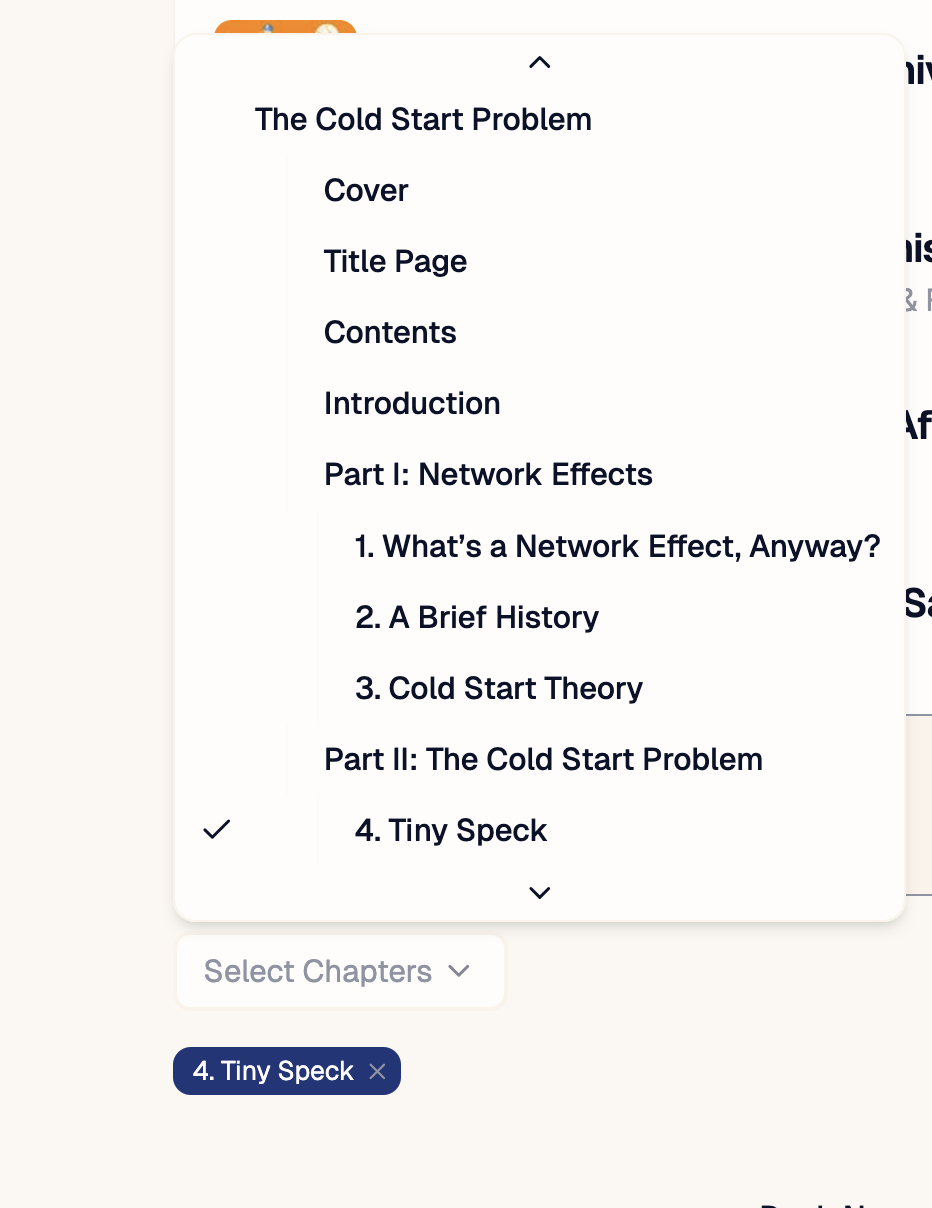
If the original source contains chapter outlines, you can narrow what you make flashcards to a smaller chunk of material. This keeps notebooks small, AI costs lower and also allows for a simple version of **incremental reading** where you generate cards after each chapter you read.
At the moment, only **epubs** documents are supported and must come from their premium read-it-later app [Reader](https://readwise.io/read)
### Selecting Chapters
If the original source contains chapter outlines, you can narrow what you make flashcards to a smaller chunk of material. This keeps notebooks small, AI costs lower and also allows for a simple version of **incremental reading** where you generate cards after each chapter you read.
At the moment, only **epubs** documents are supported and must come from their premium read-it-later app [Reader](https://readwise.io/read)
 ## Types of Documents
* **Full**: The original source text is available. The notebook will be comprised of this text, and any matching highlights.
* **Highlight Only**: The original source text was not available. The notebook contains all the highlights + notes as text, one after another.
## Types of Documents
* **Full**: The original source text is available. The notebook will be comprised of this text, and any matching highlights.
* **Highlight Only**: The original source text was not available. The notebook contains all the highlights + notes as text, one after another.