> ## Documentation Index
> Fetch the complete documentation index at: https://docs.janus.cards/llms.txt
> Use this file to discover all available pages before exploring further.
# PDF
**0.1** credits per page
## Overview
The PDF converter takes (1) document and (2) number of selected pages. It then converts it using OCR.
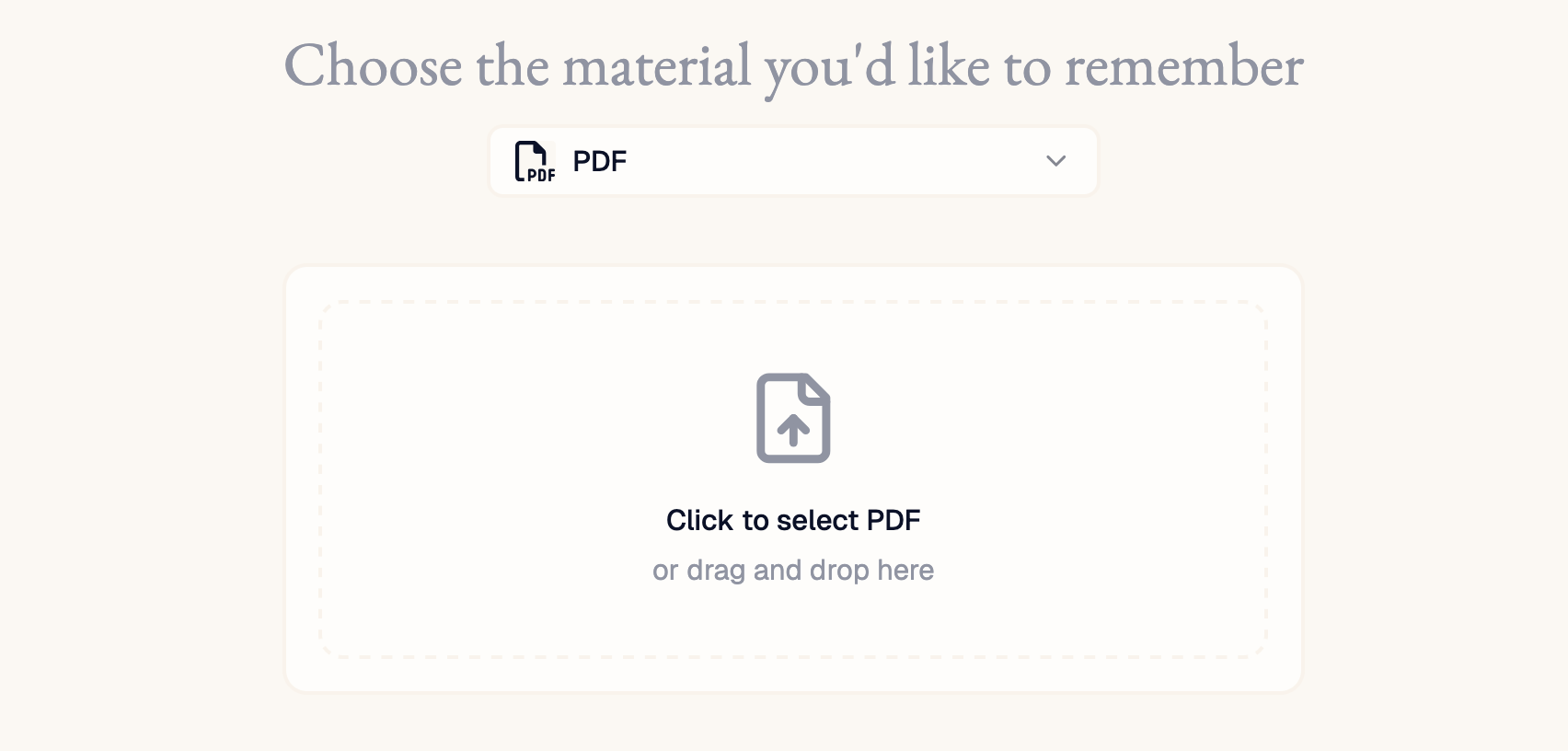
### Selecting the Document
To select the the document, you can either drag and drop the file from your file explorer to the input area, or click the input area for the file explorer to pop up.
 ### Selecting the Pages
You can specify the pages to upload by:
* **Clicking the thumbnails**. Clicking one page, holding shift, and then clicking another page will select all pages from those two pages.
* **Entering the page ranges**. A comma separated list of pages (e.g. '3' or '10') and page ranges (e.g. '4-6' or '11-23')
* **Selecting the chapter**. If the PDF has an outline, which is usually the case for books, then you can select particular entries in the table of contents.
### Selecting the Pages
You can specify the pages to upload by:
* **Clicking the thumbnails**. Clicking one page, holding shift, and then clicking another page will select all pages from those two pages.
* **Entering the page ranges**. A comma separated list of pages (e.g. '3' or '10') and page ranges (e.g. '4-6' or '11-23')
* **Selecting the chapter**. If the PDF has an outline, which is usually the case for books, then you can select particular entries in the table of contents.
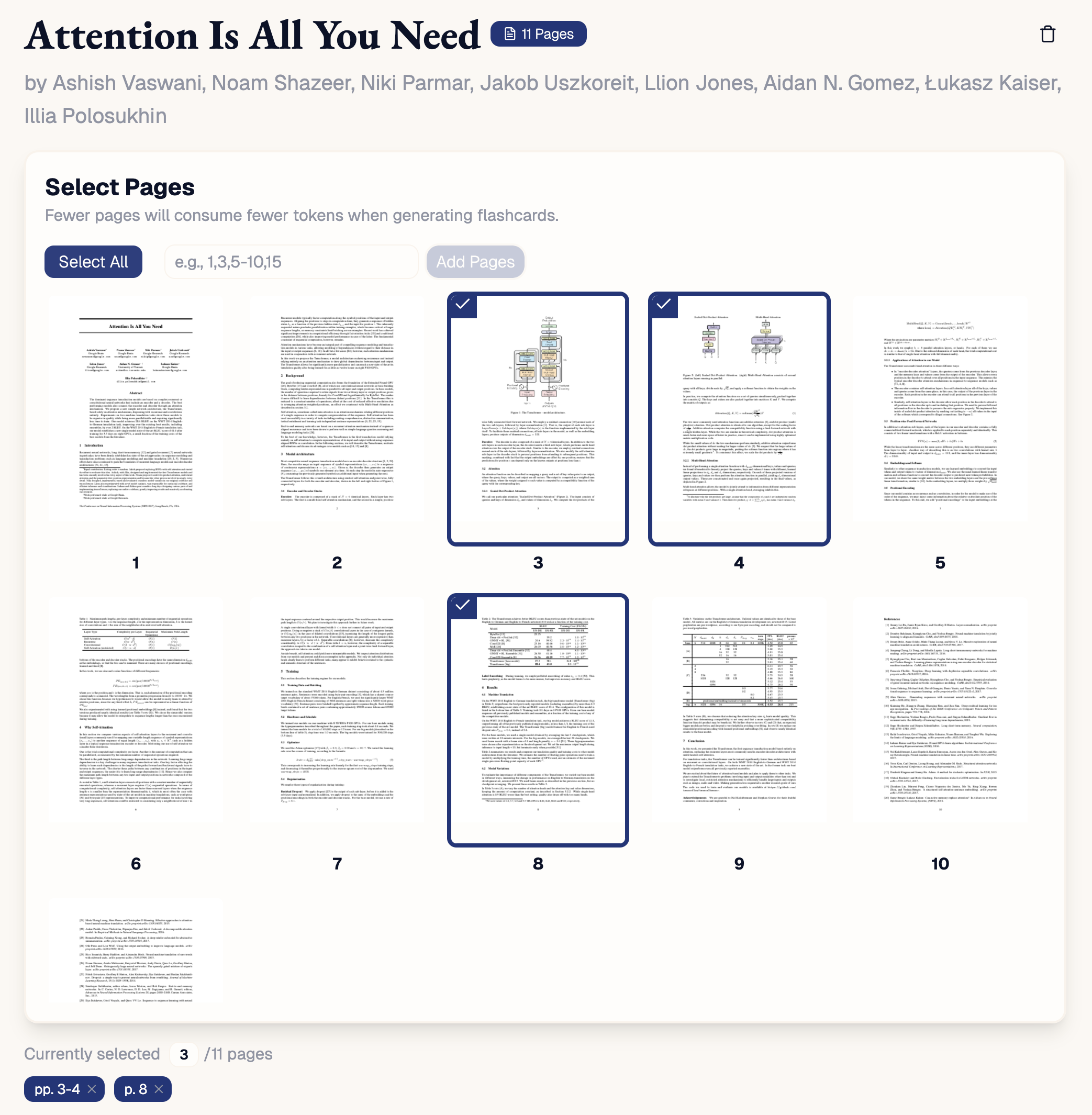 #### Deselecting Pages
You can then **deselect** the pages by either **clicking the thumbnails** or by **clicking the page-range pills** at the bottom.
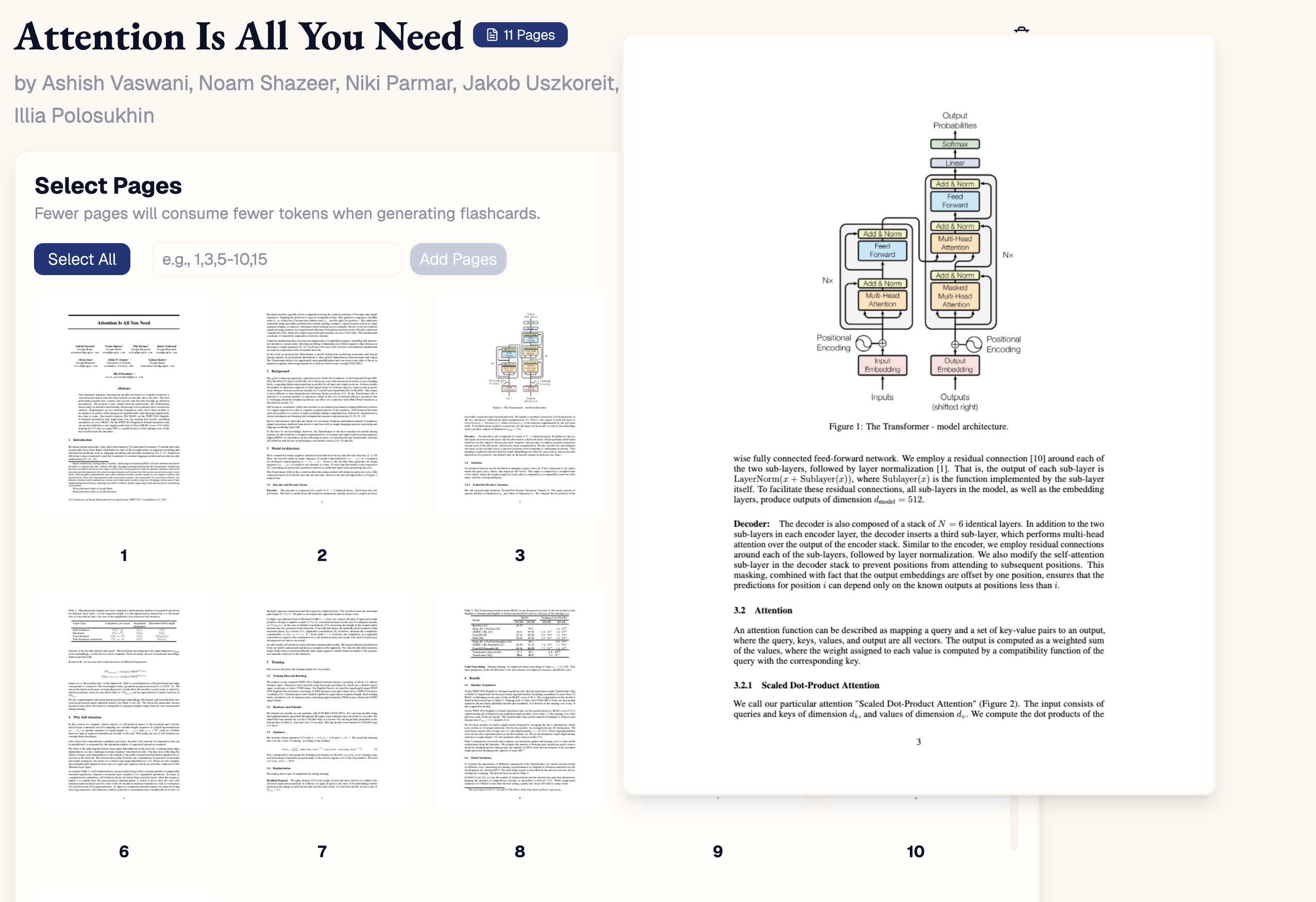
#### Viewing Zoomed-In Thumbnails
You can also **view an enlarged preview of the page** by **hovering over the thumbnail.**
#### Deselecting Pages
You can then **deselect** the pages by either **clicking the thumbnails** or by **clicking the page-range pills** at the bottom.
#### Viewing Zoomed-In Thumbnails
You can also **view an enlarged preview of the page** by **hovering over the thumbnail.**