> ## Documentation Index
> Fetch the complete documentation index at: https://docs.janus.cards/llms.txt
> Use this file to discover all available pages before exploring further.
# Mochi
This only works with the premium version of [Mochi](https://mochi.cards/).
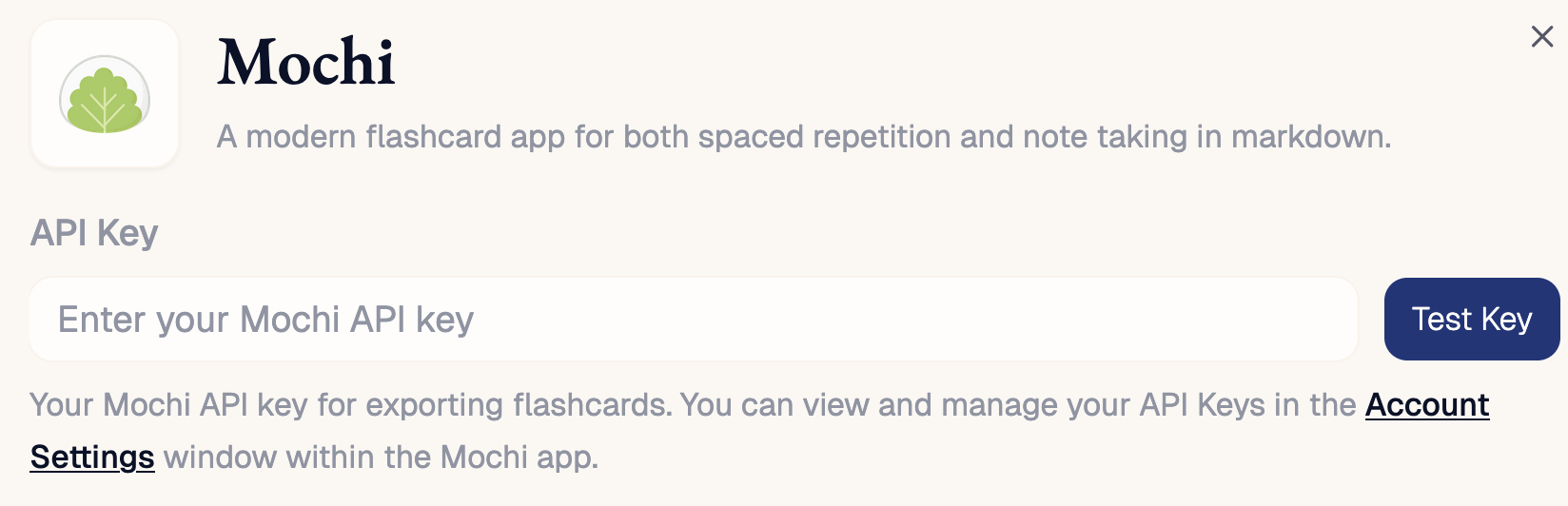
[Mochi](https://mochi.cards) is a modern flashcard app for both spaced repetition and note taking in markdown.
## Setup
In order to connect Janus to Mochi, you need to share your Mochi API key.
* In Mochi, click the username dropdown and then select `Account Settings`.
* Scroll down to `API Keys` and click `Create API Key`.
* Copy the API key into Janus via `Settings > Mochi > API Key`.